Touchscreen MacBook Pro Reviews: Is the OLED Model Worth $400 More?
Reviewers love the OLED screen and the lighter body. The touchscreen, not so much. Here's who should pay about $400 more.
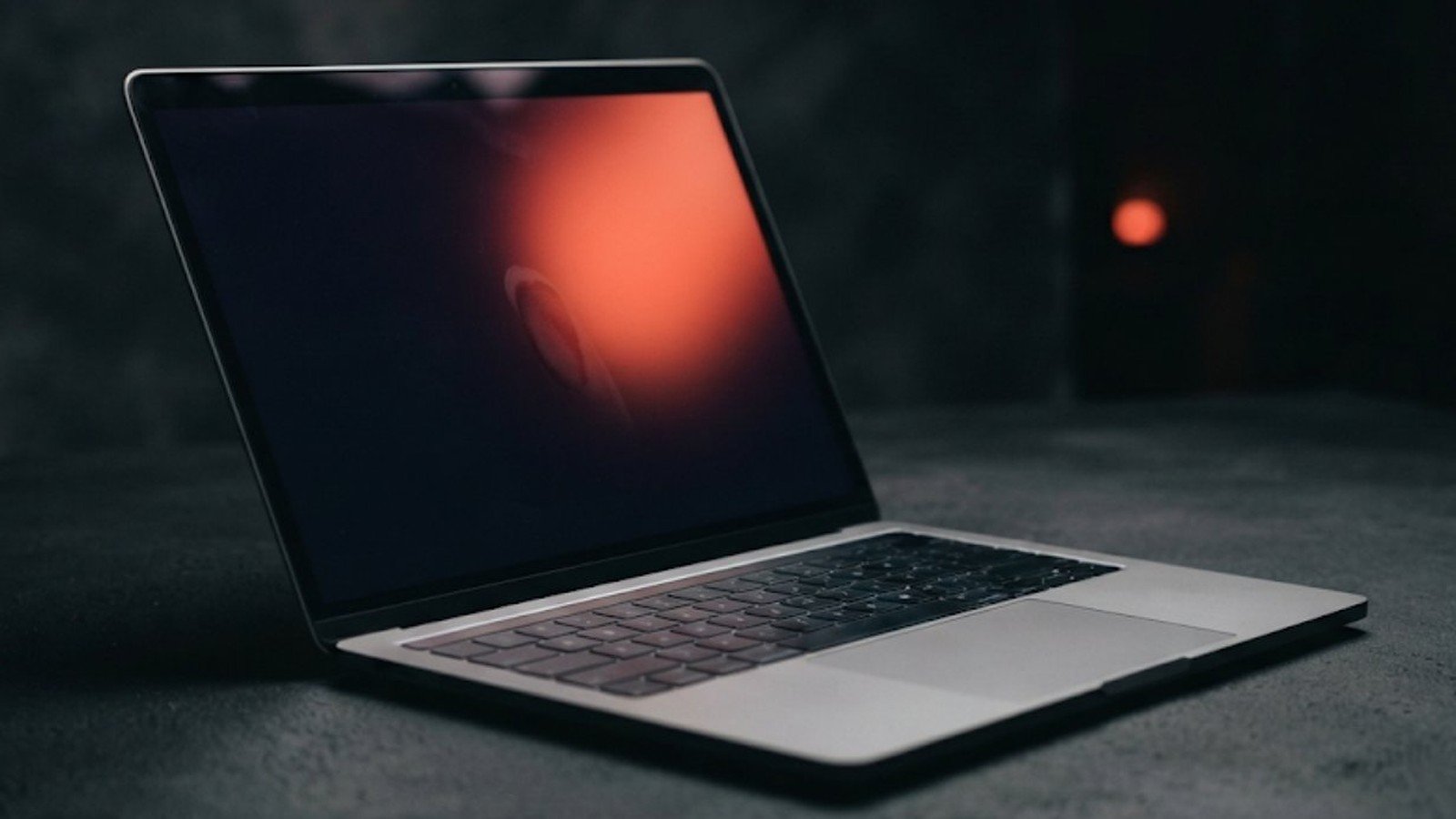
Apple's first touchscreen Mac has been in stores since November 6, and the reviews have landed. The MacBook Pro with what Apple calls a PROLED XDR display adds an OLED panel you can tap and pinch, a lighter body and a Dynamic Island in place of the notch. The question buyers keep asking is the one in the title: is it worth roughly $400 more than the same chip in a regular MacBook Pro?
Reviewers mostly say yes, but the reason isn't the touchscreen.
What's Actually Real Here
The screen is the star. Tom's Hardware called it the best laptop display it has tested, and measured HDR peaks close to Apple's 2,000-nit claim. Engadget found dark scenes with bright highlights looked clearly more realistic than on the mini-LED models. Glare was low even beside a window.
It is lighter. Engadget lists the 14-inch at 3 lb against 3.7 lb for the standard model, and the 16-inch at 4 lb against 4.7 lb. That's a difference you feel in a bag every day.
Battery life holds up. Engadget got about 12.5 hours from the 14-inch in a mixed workday and just over 10 hours from the 16-inch in a coding benchmark. Tom's Hardware ran its 16-inch for almost 16 hours in a lighter test. The OLED model still trails the mini-LED version slightly in that test.
Performance is the same. These models use the M5 Pro and M5 Max, the same chips as the non-touch MacBook Pros that stay on sale. You aren't paying for speed.
Where the Hype Outruns the Reality
Touch is the least interesting part. That's close to how Engadget opened its review, and TechRadar said the touch features feel undercooked because macOS is still built around a pointer. Taps mostly behave like mouse clicks. Scrolling and pinching work, and Tom's Hardware found touch genuinely handy for sculpting in Blender, but no better than a mouse in Final Cut Pro.
The ergonomics problem hasn't gone away. Tom's Hardware reported arm fatigue and some hinge wobble when you touch the screen, even with stiffer hinges. There's no Apple Pencil support and the screen doesn't fold flat, so this isn't a tablet.
The 14-inch premium is steeper than it looks. It starts at $2,899 at launch. Against the M5 Pro 14-inch without touch it's about $400 more, but Engadget points out it's $900 above the cheapest 14-inch MacBook Pro, the M6 model from $1,999. If you don't need M5 Pro power, that's the comparison that matters.
Who Should Pay the Extra
- You edit photos or video, grade colour, or work in HDR: this is the clearest case. The panel is a real upgrade and reviewers agree on that.
- You carry your laptop all day and want the 16-inch: the 16-inch is about $400 over the equivalent non-touch model and 0.7 lb lighter. Engadget calls it the better value of the two sizes.
- You want a touchscreen laptop for drawing or tablet use: look elsewhere. No pen support and no fold-flat hinge.
- You mainly browse, write and do light editing: the M6 14-inch is listed from $1,999 at launch and does that work well.
- You own a recent M-series MacBook Pro: reviewers see no reason to upgrade yet.
Glossy screens and touch mean fingerprints. Tom's Hardware notes the polishing cloth only comes with the matte option, so budget for one.
Weighing up the timing too? See whether laptop prices are rising enough to buy now, and our verdict on the OLED iPad mini if a tablet would cover your needs.
FAQ
Is the touchscreen MacBook Pro faster than the regular one? No. It uses the same M5 Pro and M5 Max chips. The extra money pays for the OLED screen, touch, the Dynamic Island and the lighter body.
How much does it cost? It's listed from $2,899 (14-inch) and from $3,399 (16-inch) at launch in the US, and from around £2,899 and £3,399 in the UK. Prices vary by retailer, region, taxes and promotions.
Does it work with Apple Pencil? No. Reviewers confirm there's no Pencil support.
Can I turn the touchscreen off? Yes. Tom's Hardware notes you can switch touch off in the accessibility settings.
Should I buy the M6 MacBook Pro instead? If you don't need M5 Pro or Max performance or the OLED screen, the M6 14-inch is the better value for most people.
Prices mentioned in this article were checked at the time of writing and are given as "from" or approximate figures where possible. Actual prices vary by retailer, region, taxes, plan and promotion, so please do not treat the figures here as final. Check the seller's own site for the current price.
Things change quickly. This article reflects what was publicly known when it was written or last updated, so details such as prices, availability, rules and product specs may have changed since. Always check the official source before you buy or decide.
Sources
- Engadget: MacBook Pro with PROLED XDR Display review
- Tom's Hardware: Apple MacBook Pro with PROLED XDR Display review
- TechRadar: MacBook Pro with PROLED XDR Display 16-inch review
- Tom's Guide: MacBook Pro with PROLED XDR Display review
- Gizmodo: MacBook Pro with PROLED XDR Display review
- Apple Newsroom: Apple unveils MacBook Pro with PROLED XDR Display
- Apple Newsroom: Apple introduces the new 14-inch MacBook Pro with M6
Keep reading
Related articles
Gemini Tasks Is Now Free: Is Google's AI Agent Worth Using?
Google's background AI agent, formerly Spark, is now free in six countries. Here's what Tasks can really do, what's US-only and what's still unclear.
5 min read
Tesla Cybercab: Is the $29,990 Robotaxi Worth the $299 Fee?
Tesla now sells the Cybercab to select buyers, but it only runs with a monthly subscription Musk calls too high. Here is what you actually get.
5 min read
Meta Muse in the UK: Is the AI Agent Worth Using Yet?
Meta's Muse AI agent is now live in the UK. What it can really do, the safeguards Meta promises, and why it's too soon to hand it your inbox.
5 min read
Is the M6 iMac Worth It? What Reviews and Prices Say
Apple's M6 iMac is faster, with Wi-Fi 7, but costs more and looks the same. Who should upgrade, who should skip, and what to buy instead.
5 min read